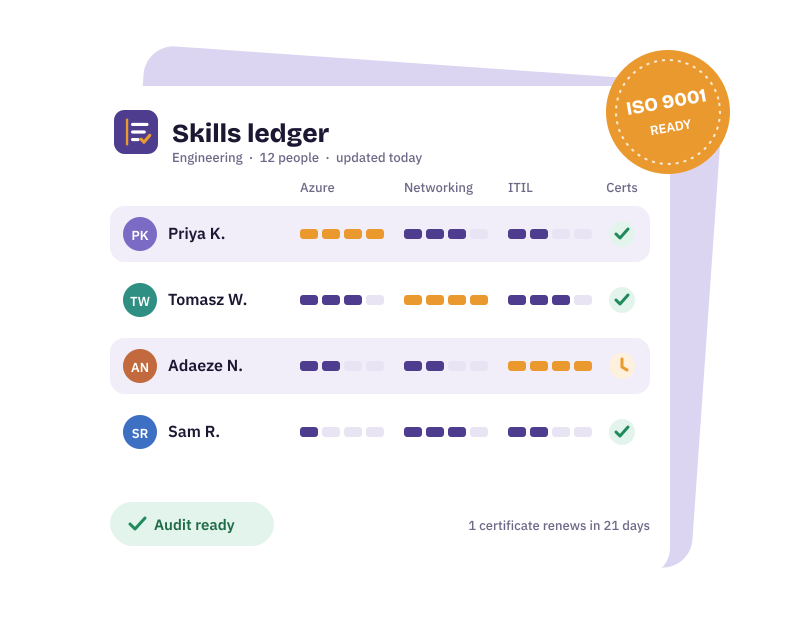
The problem with expiry dates in a spreadsheet
A certificate expiring is invisible right up until it matters: an audit, a client asking for proof, a site that won't let someone on without a current ticket. When expiry dates live in a spreadsheet column, they're only seen when someone remembers to sort by date.
How SkillsLedger handles it
- Record the certificatePeople mark a skill as certified, add the expiry date and, optionally, a link to the certificate itself.
- See what's coming upThe certificate watch view lists everything approaching expiry, colour-coded by urgency, so admins can act on what matters first.
- Get remindedWith email set up, reminders go out ahead of expiry, starting weeks out rather than days.
- Prove itCompetency reports include certificate status, so the evidence is ready when someone asks.
Certifications as first-class skills
Certifications from the Skills Library (for example Microsoft, AWS, Cisco, HP/HPE and Dell packs) are rated as "I hold this" with an expiry date, rather than on a 1-to-10 scale. That keeps vendor certifications, safety tickets and professional qualifications alongside the skills they prove.
Tied to partner programmes
If a vendor partnership needs a minimum number of certified people, SkillsLedger tracks that too. See partner certification tracking.